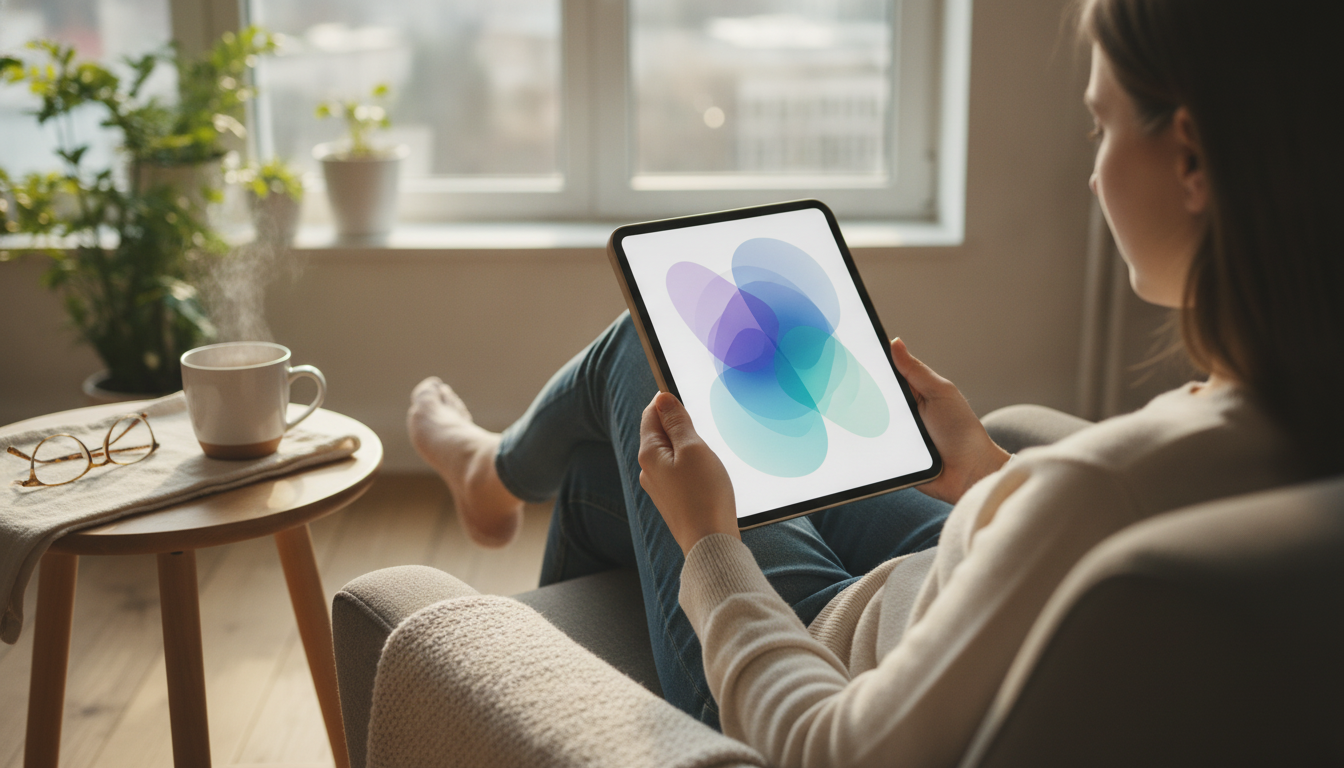
Long screen sessions don’t usually fail all at once—they fade. Attention gets noisier, eyes feel gritty, shoulders creep upward, and “just one more thing” stretches into hours. A well-timed screen break is a small reset that protects focus and comfort without killing momentum.
For eye strain basics and why screens can feel uncomfortable, the American Academy of Ophthalmology’s overview of Computer Vision Syndrome is a helpful starting point.
Most break plans fail because they rely on willpower. A better approach is a tiny habit loop you can repeat in any workday: a clear cue, a pre-chosen break action, and a quick return ritual.
| Cue | Break (30–120 seconds) | Return ritual (10 seconds) |
|---|---|---|
| When a meeting ends | Stand, roll shoulders, look out a window | Write the next action for the next task |
| Every time a timer goes off | 20 seconds of distance viewing + slow blinking | Re-center posture and continue |
| After sending an email | Walk to get water | Close inbox and reopen the primary task |
Eye-friendly breaks work best when they’re brief and physical. The goal is to relax near-focus strain, re-wet the eyes, and reduce “locked-in” posture—without letting your brain wander into a 20-minute scroll.
A simple “default break” that fits almost anywhere: stand up, look into the distance for 20–30 seconds, do 3 slow blinks, and then sit down with shoulders relaxed before restarting.
Break timing doesn’t need to be rigid. It needs to be realistic. Choose a rhythm that matches your workload and protects you before discomfort builds.
| Work pattern | Suggested rhythm | Best for |
|---|---|---|
| Deep work | 25–50 min work + 2–5 min break | Sustained concentration with planned resets |
| Meetings-heavy | Break between meetings + 5 min every hour | Recovery from constant attention switching |
| Creative tasks | 60–90 min work + 10–15 min break | Longer immersion with bigger resets |
When breaks don’t happen, it’s rarely a motivation problem—it’s usually friction, forgetfulness, or breaks that accidentally turn into distractions.
Recommended read: Screen Break Habits That Actually Work – Practical Ebook Guide to Screen Break Habits That Work for Focus, Eye Health & Digital Wellbeing. It’s designed to help turn “I should take breaks” into a repeatable routine that fits real workdays and study sessions.
If a checklist format helps, consider: A Playful Checklist for Setting Boundaries with Coworkers.
Aim for micro-breaks every hour at minimum, short breaks every 25–50 minutes during focused work, and a longer break every few hours. The best schedule is the one you’ll actually repeat—use discomfort (dry eyes, tight shoulders, fuzzy focus) as a cue to tighten consistency.
Distance viewing, a few slow full blinks, and quick posture changes are the most reliable. If possible, keep breaks screen-free and reduce glare or increase text size so your eyes aren’t working as hard between breaks.
Unstructured breaks can turn into distractions, especially if they involve email or social apps. Use a defined break action and a short return ritual—one breath, write the next tiny step, then resume—so your brain has a clear on-ramp back into the task.





Leave a comment